Everything a field-ops team actually needs
One system for verifying who showed up, planning who’s on next, and proving the work got done: built for teams that work across multiple client sites.
Know exactly who's on-site, and when
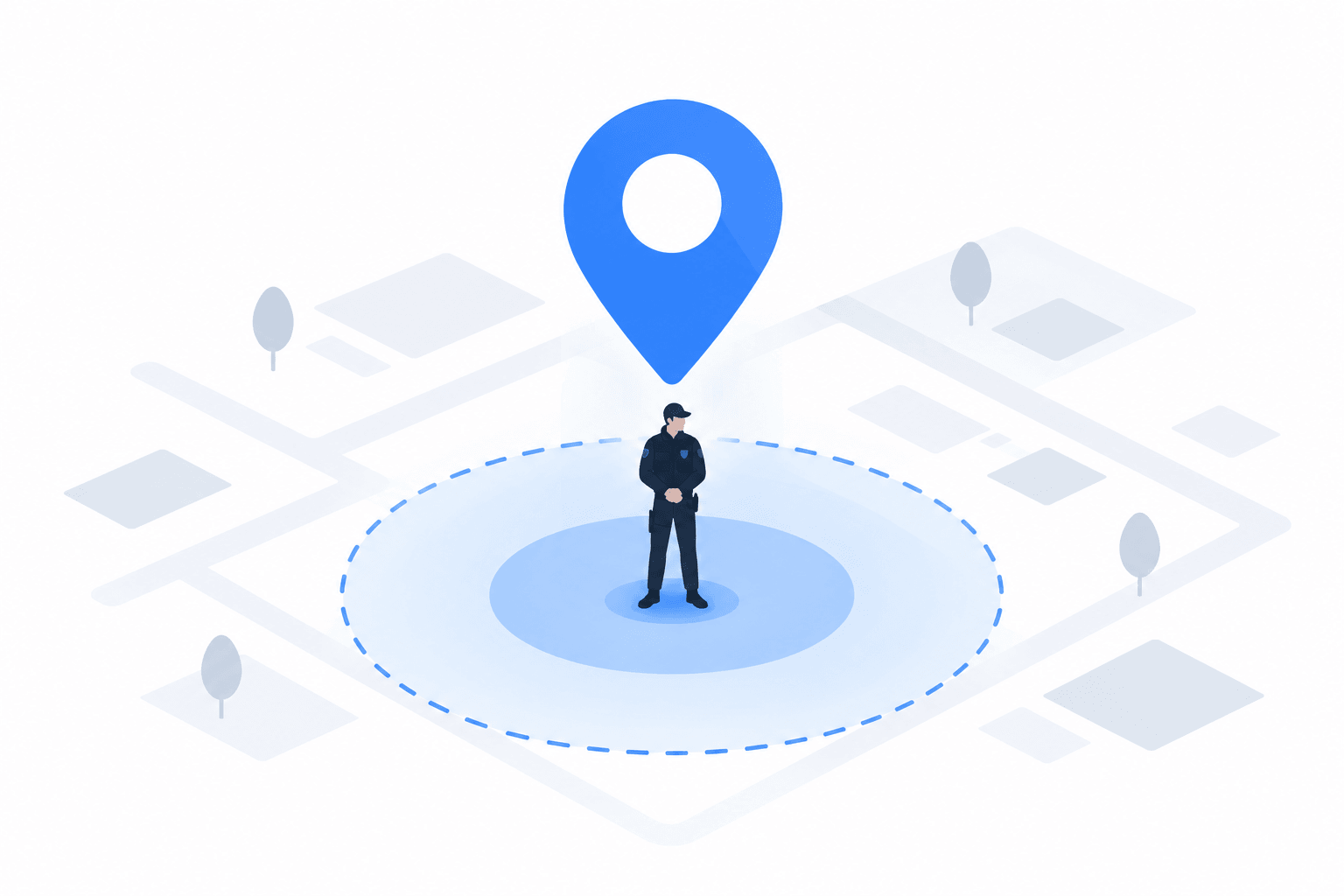
A timesheet says someone worked a shift. It doesn't say where. Every clock-in and clock-out here is tied to a real GPS location, checked against the site the moment it happens.
- Per-site geofence radius, with three enforcement modes (Strict, Balanced, Flexible)
- Optional photo requirement for tamper-evident, timestamped proof
- No-login verification link a client can open themselves, anytime
Scheduling that doesn't fall apart at 20 sites
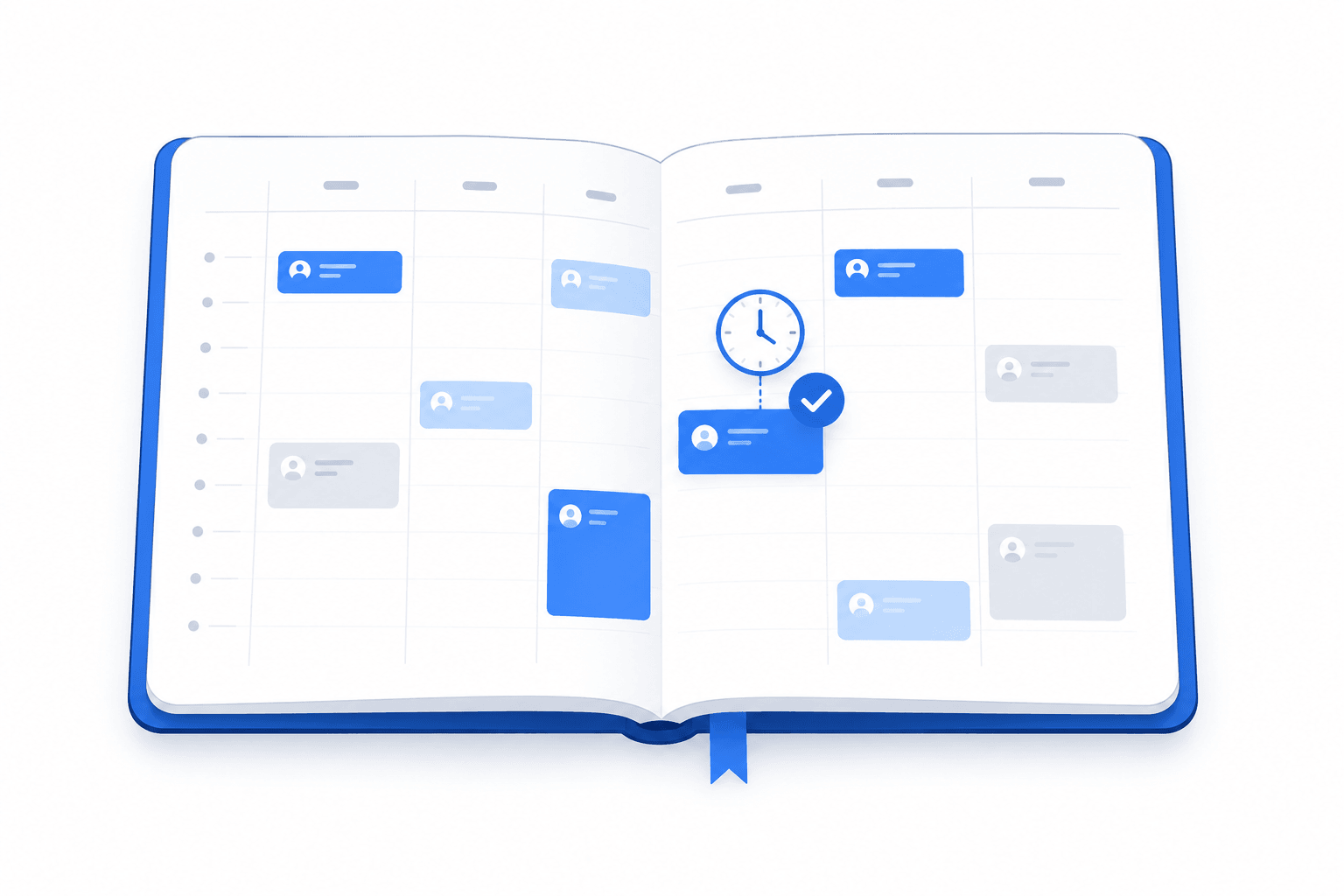
Plan every site and every crew from one calendar. Conflicts, double-bookings, and coverage gaps get caught before the shift starts, not after a client calls asking where their crew is.
- Recurring rotations, built once and reused instead of rebuilt every week
- Automatic conflict detection across sites, roles, and staff qualifications
- Staff, sites, and roles in one place instead of split across spreadsheets
Payroll and reports, generated -- not assembled
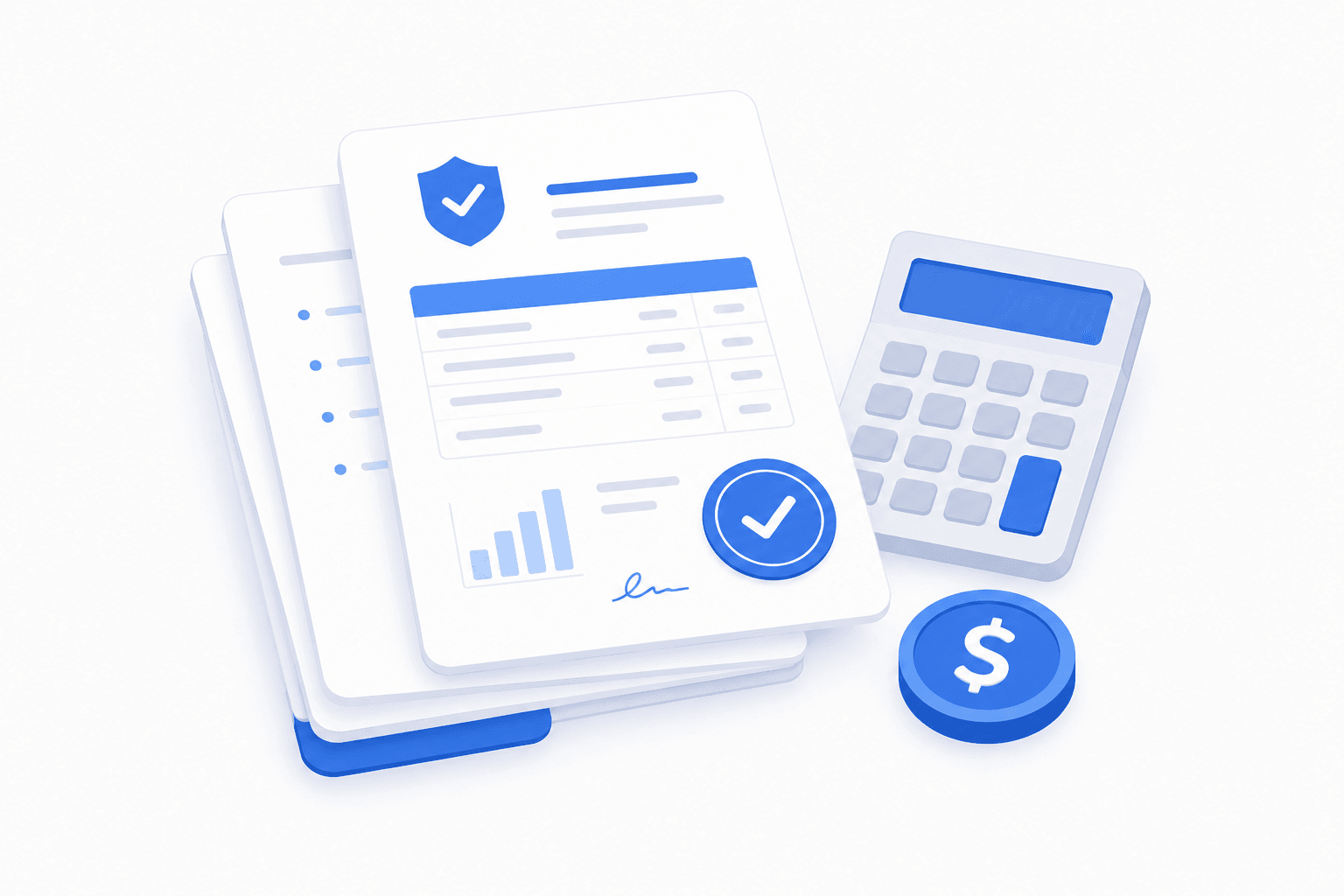
Hours, overtime, and client-facing reports built from the same verified punches, not a spreadsheet someone reconstructs from memory at the end of the week.
- Hourly and salaried pay with configurable overtime, calculated from real punches
- Branded PDF site-visit reports ready to share the moment a shift ends
- Payroll-ready CSV export of hours and overtime, no hand-tallying
Built for a phone in the field, not a desk
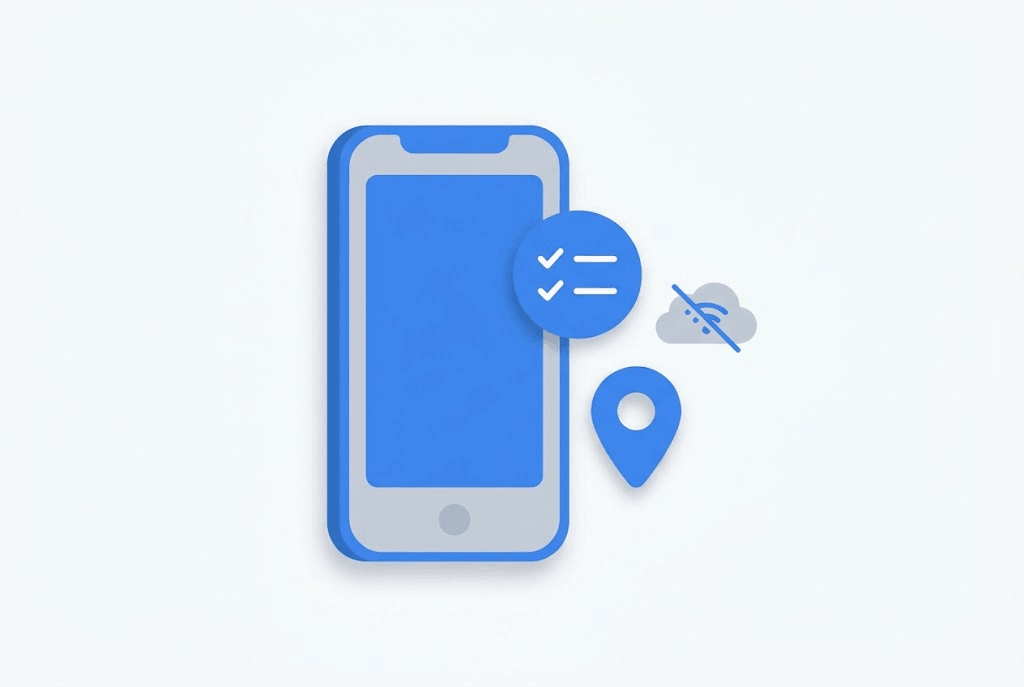
Clock in and out, run duty checklists, and log incidents from a phone -- including while offline. It syncs automatically the moment a connection comes back.
- Works offline; nothing gets lost waiting for signal
- Incidents and duty checklists are timestamped and geotagged automatically
- One app for field staff, no separate tools to juggle on shift
The admin that usually lives in spreadsheets
Leave requests, expense reimbursements, and manager-set goals, approved from the same place staff already clock in from -- not a separate form nobody remembers to check.
- Leave requests approved or declined in two taps
- Expense reimbursements with receipts attached, not emailed separately
- Manager-set goals tracked alongside actual shift performance
Exactly the access each role actually needs
An office admin, a site supervisor, and a field lead don't need the same access -- and shouldn't have it. Permissions are granular, not all-or-nothing.
- Independent permissions for payroll, staff management, and reporting
- Field leads can log incidents without seeing payroll
- Change what a role can do without changing who holds it

See it running on your own sites
No card required to start. Try the live demo or set up your company in a few minutes.